Keyboard Layout Indicator - More than a keyboard layout indicator

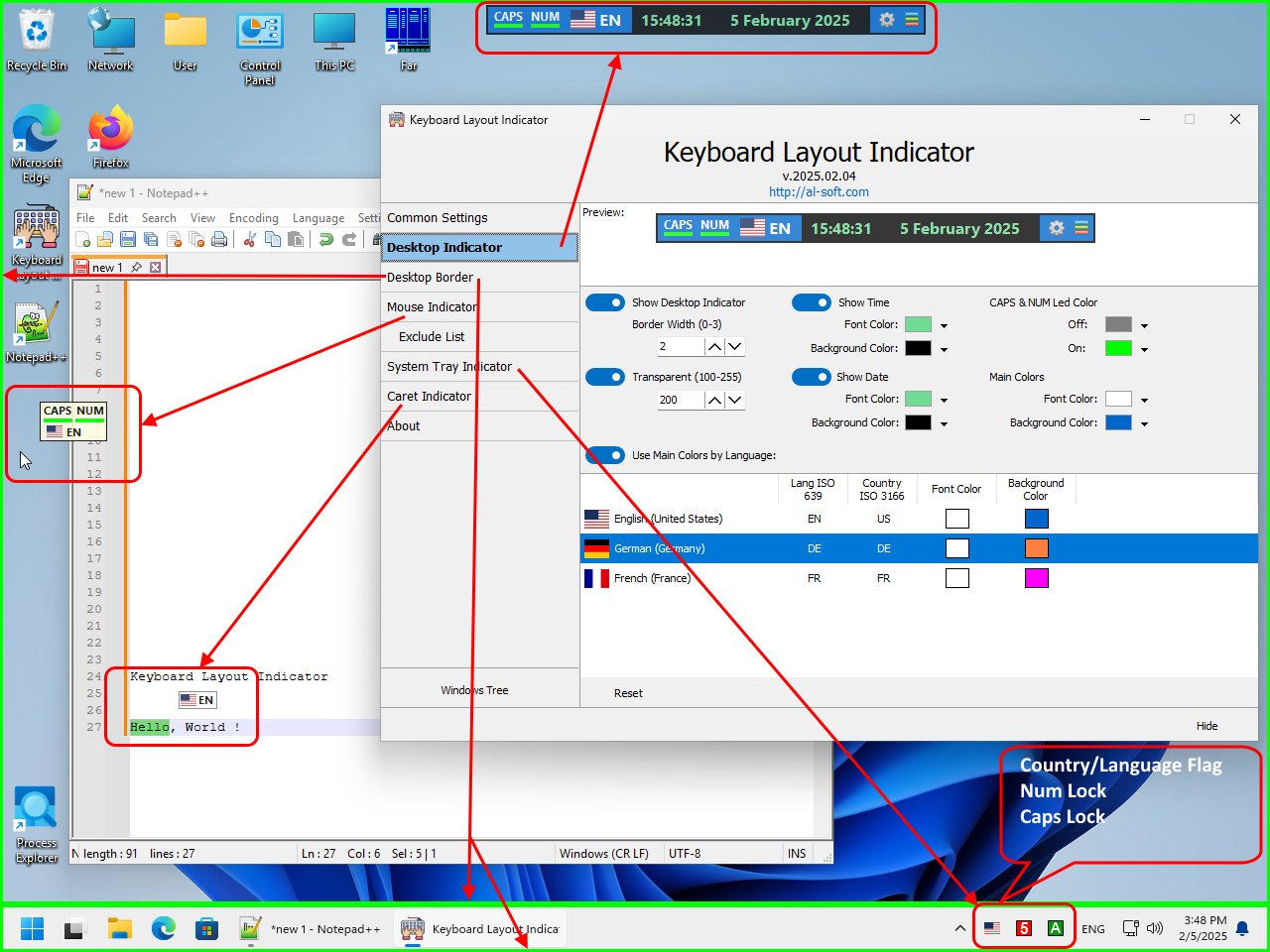
The Keyboard Layout Indicator is a highly customizable Windows utility that lets you see your current keyboard layout wherever you prefer — near the text cursor, mouse pointer, taskbar, desktop edges, system tray, or even on your RGB keyboard. Unlike simple language indicators, Keyboard Layout Indicator provides multiple independent visual indicators that can be used simultaneously and customized individually.

Types of indicators:

  • Small floating desktop window
  • Tooltip for mouse cursor
  • Tooltip for text caret position
  • State of CapsLock and NumLock
  • Colored Desktop & Taskbar Edge Indicator. Each of the four edges of the desktop and taskbar can be enabled or disabled independently, allowing users to create anything from a complete border to a single discreet color bar.
  • Three icons in the system area of ​​the taskbar (language flag, CapsLock state, NumLock state)
  • Any RGB Device (keyboard, mousepad, mouse etc) Lighting via OpenRGB SDK

If your keyboard or laptop does not have a Caps Lock or Num Lock indicators - «Keyboard Layout Indicator» will be useful for you


Download «Keyboard Layout Indicator» Buy now «Keyboard Layout Indicator»

Keyboard Layout Indicator - A lot of indicator for language layout

Read more...


The LuxBox NVR Viewer - The most lightweight and user-friendly alternative to the official Xiongmai/XM NVR software.

LuxBox NVR Viewer is a high-performance Windows x64 utility built to replace bloated and unstable official VMS/CMS clients. Engineered as a pure native binary with full GPU hardware acceleration, it delivers lightning-fast multi-channel video decoding without high CPU or RAM loading. Operating entirely over the local DVRIP (NETIP), it guarantees a 100% autonomous surveillance workflow completely free of forced cloud registrations, ads, or hidden background telemetry.

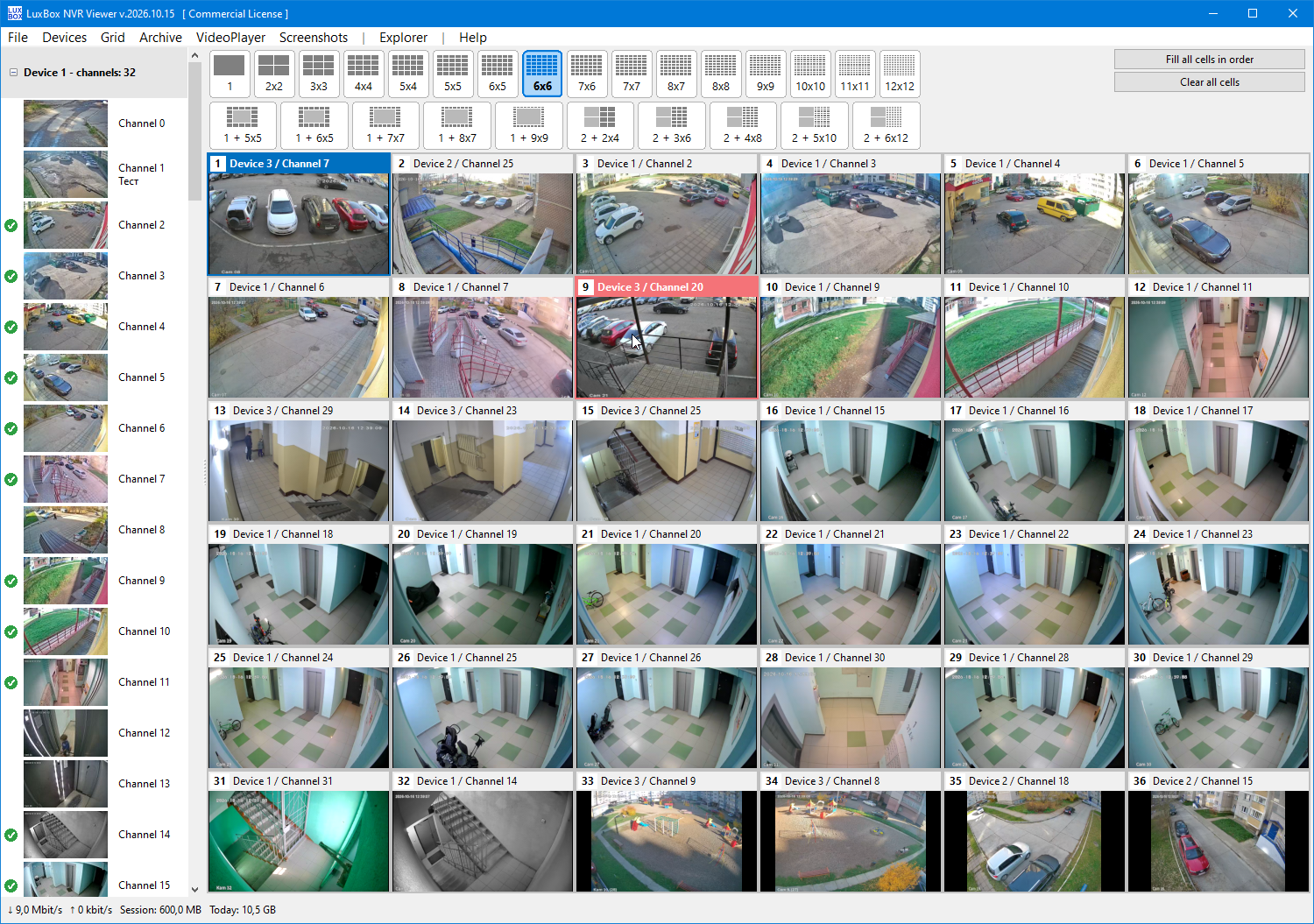
Designed with a true multi-threaded architecture, the application allows you to monitor live feeds, navigate archives, and download footage in independent windows simultaneously without freezing the UI. Optimize your screen real estate using over 40 customizable layouts explicitly tailored for 4:3, 16:10, 16:9, and ultra-wide 21:9 monitors. Combined with smart dynamic streaming — which automatically requests lightweight sub-streams in massive grids and switches to high-definition main streams only when maximized — LuxBox ensures a rock-solid, fluid, and stress-free security monitoring experience.

Download LuxBox NVR Viewer Buy now LuxBox NVR Viewer

LuxBox NVR Viewer - With over 40 precise grid presets, LuxBox NVR Viewer effortlessly adapts to everything from old-school 4:3 CCTV displays to massive 21:9 ultra-wide monitors.

Read more...


Multi Monitor Viewer

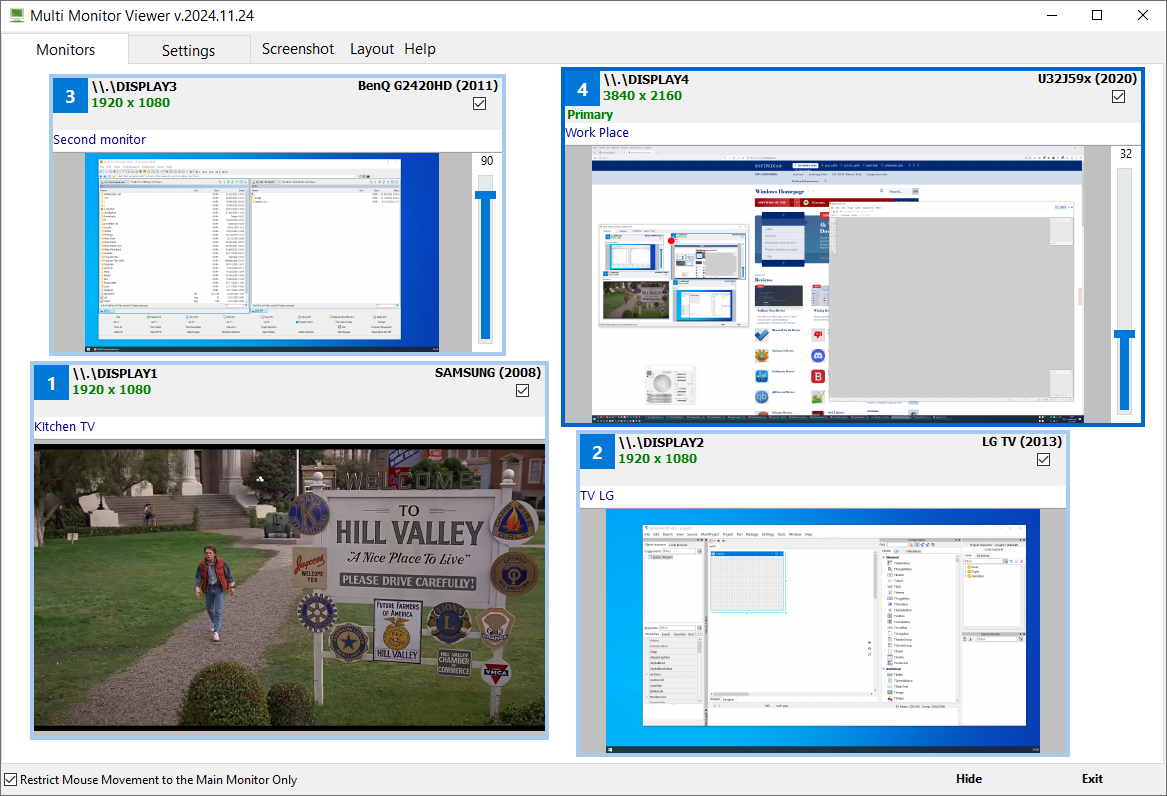
Multi Monitor Viewer provides convenient and fast viewing of the contents of all monitors connected to the computer.

Download Multi Monitor Viewer Buy now Multi Monitor Viewer

Read more...


Multi Monitor Show

This is a program for multi-monitor systems.

Download Multi Monitor Show Buy now Multi Monitor Show

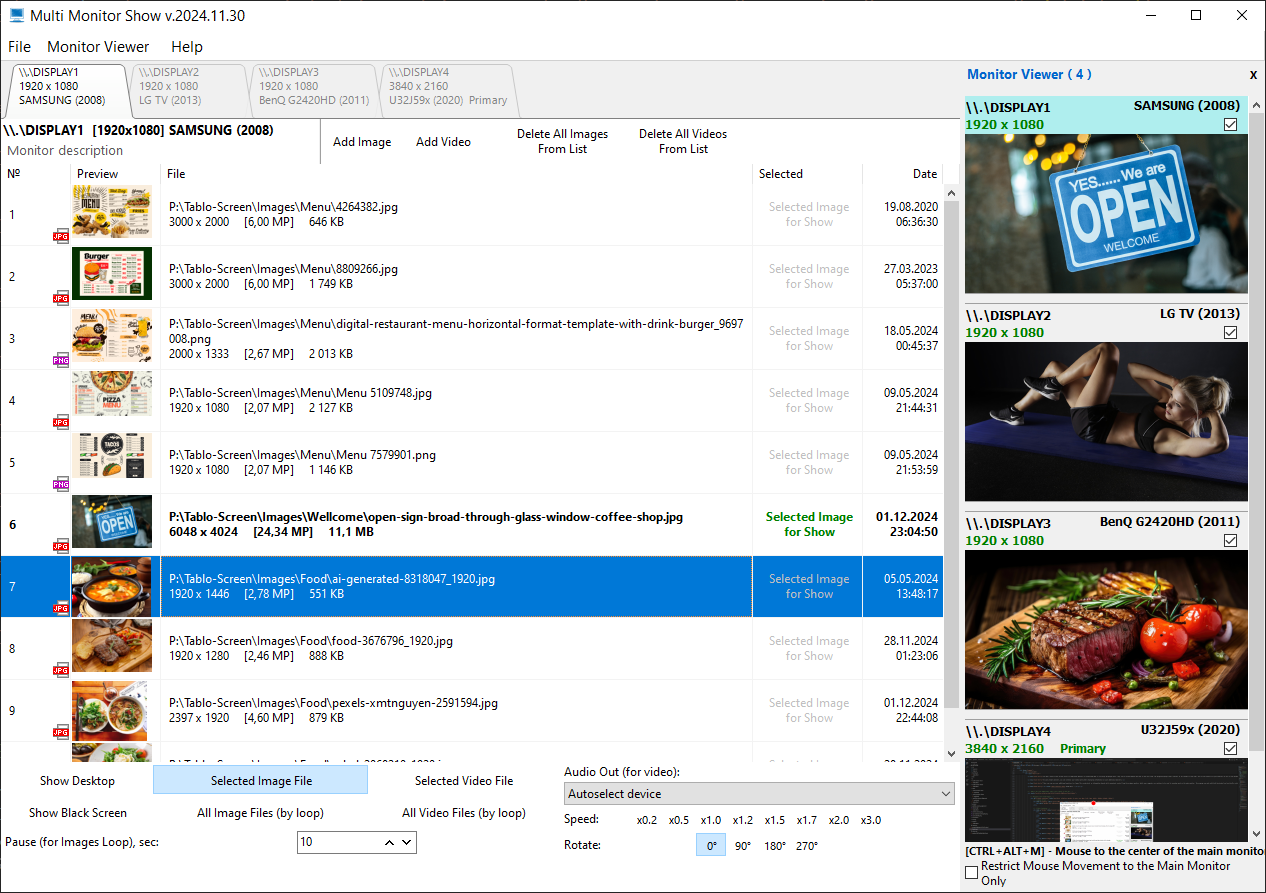
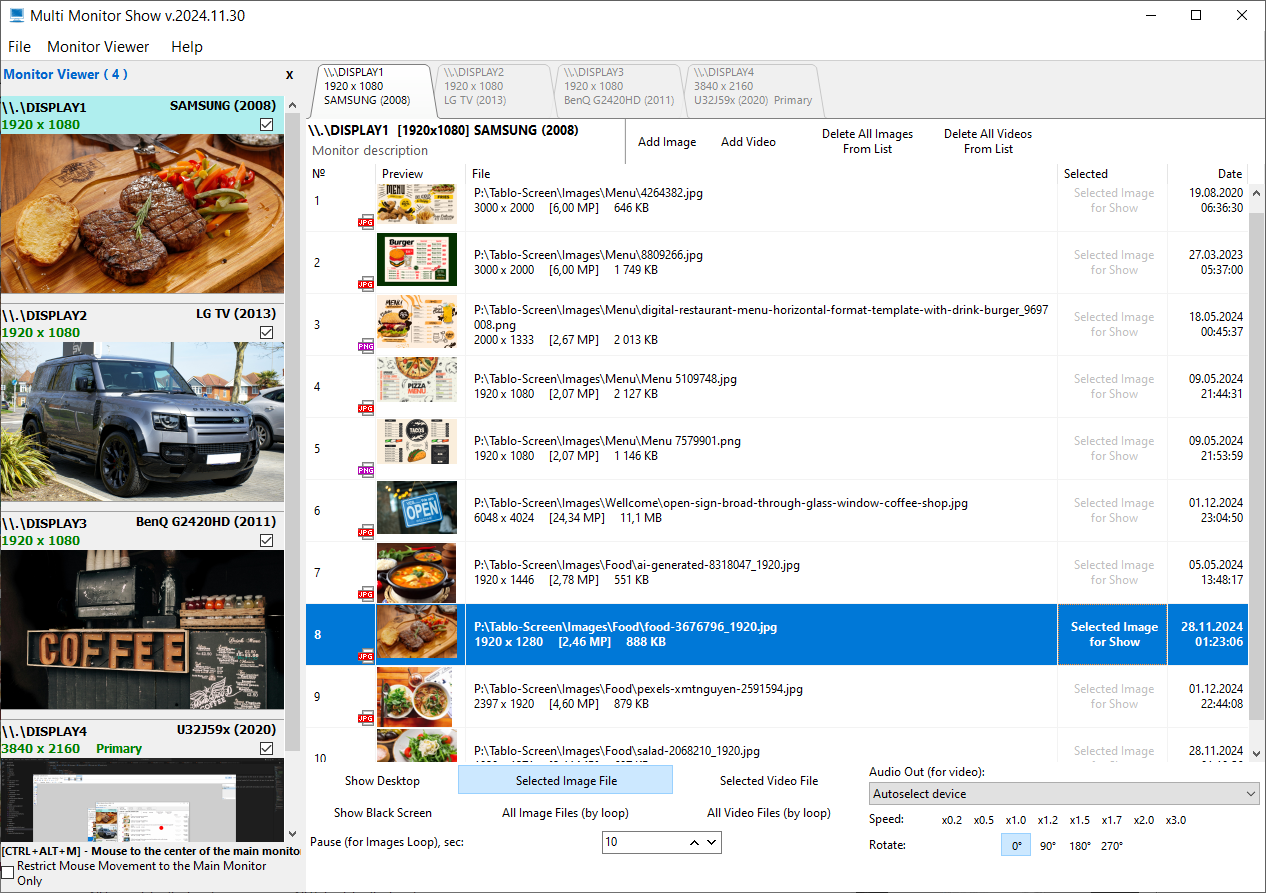
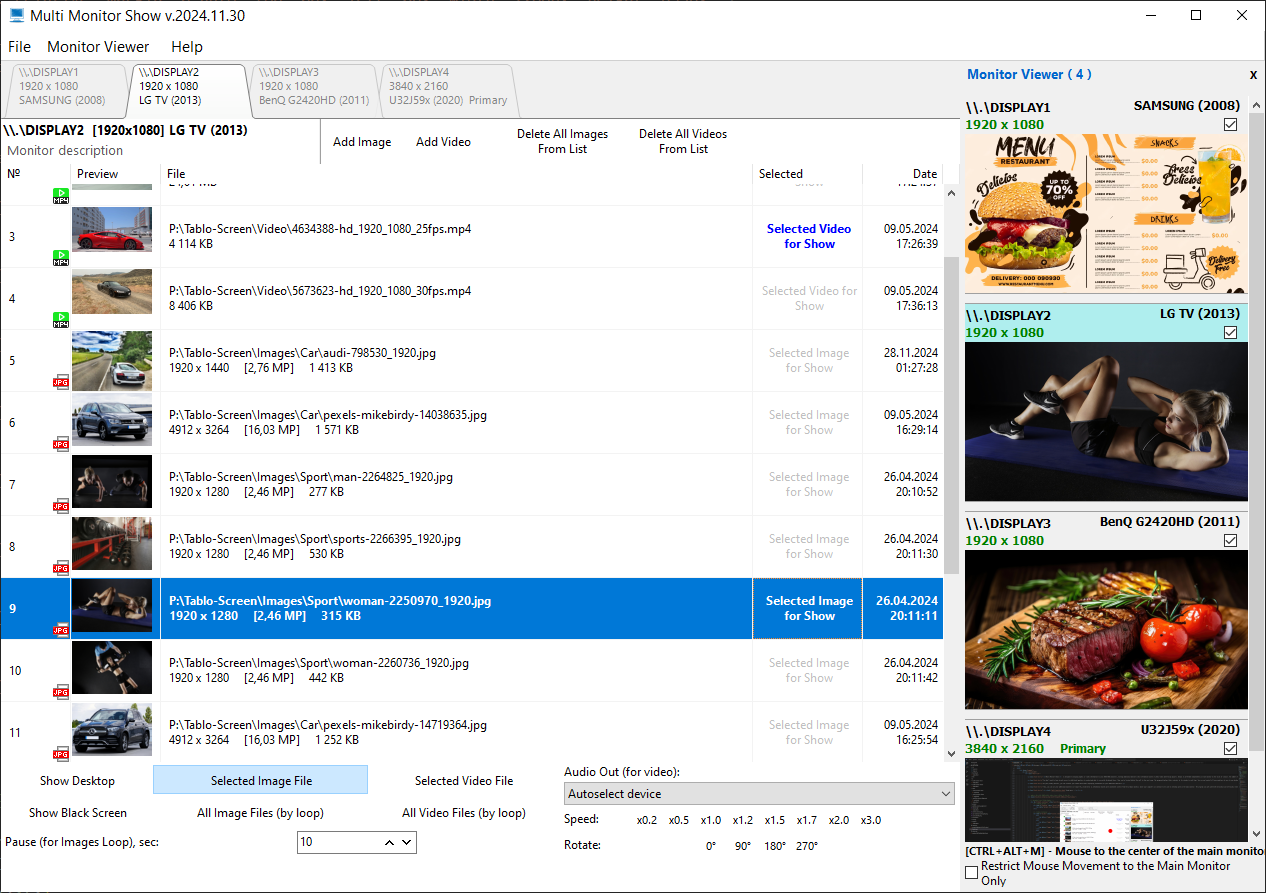
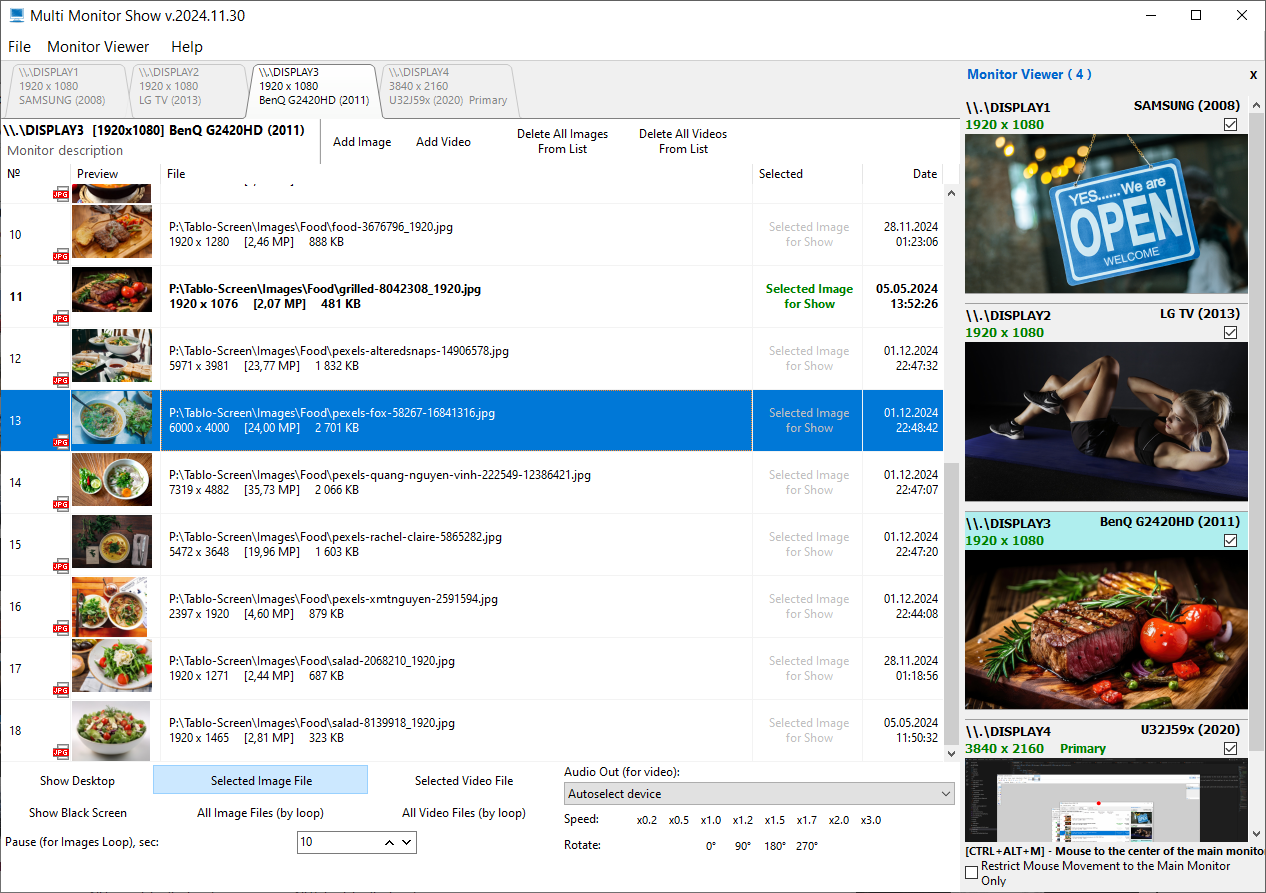
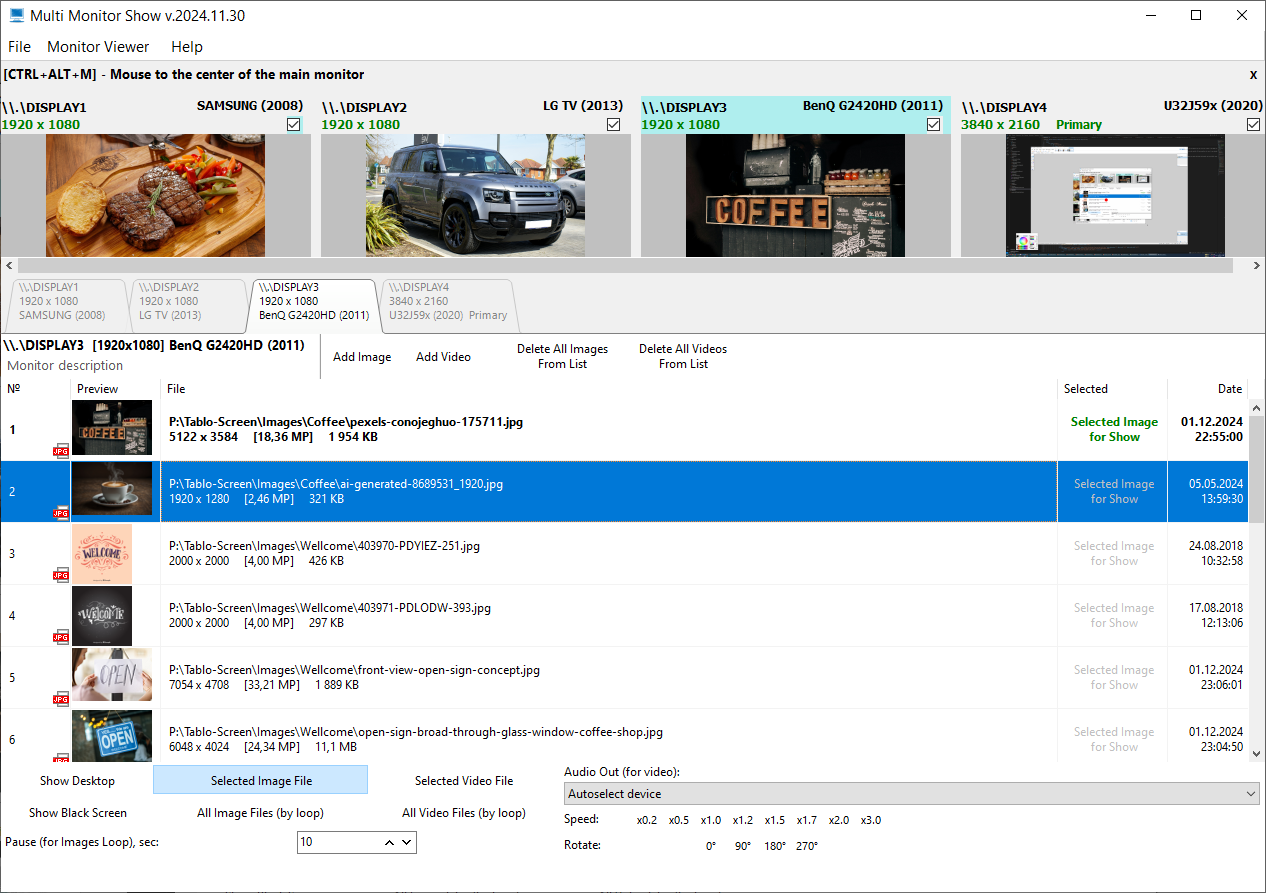
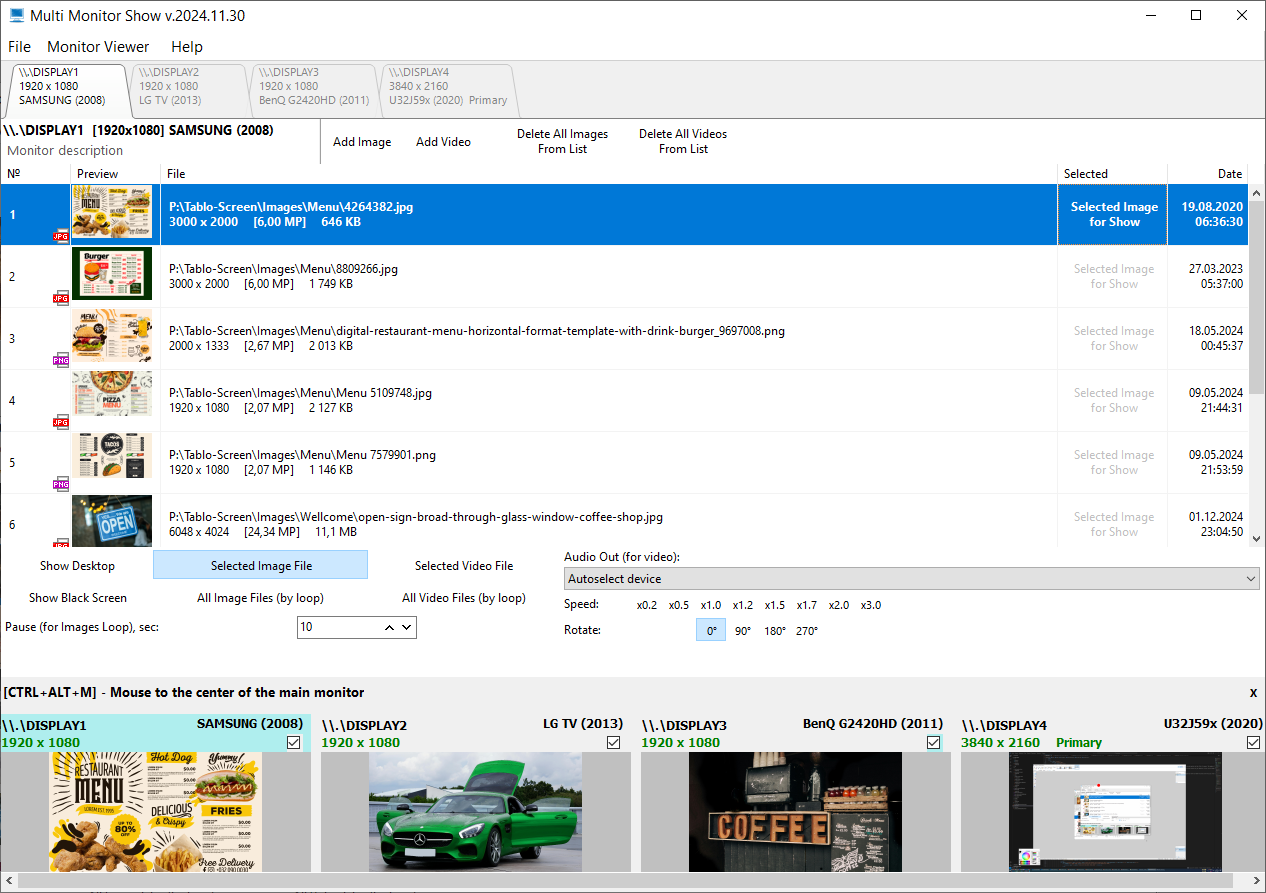
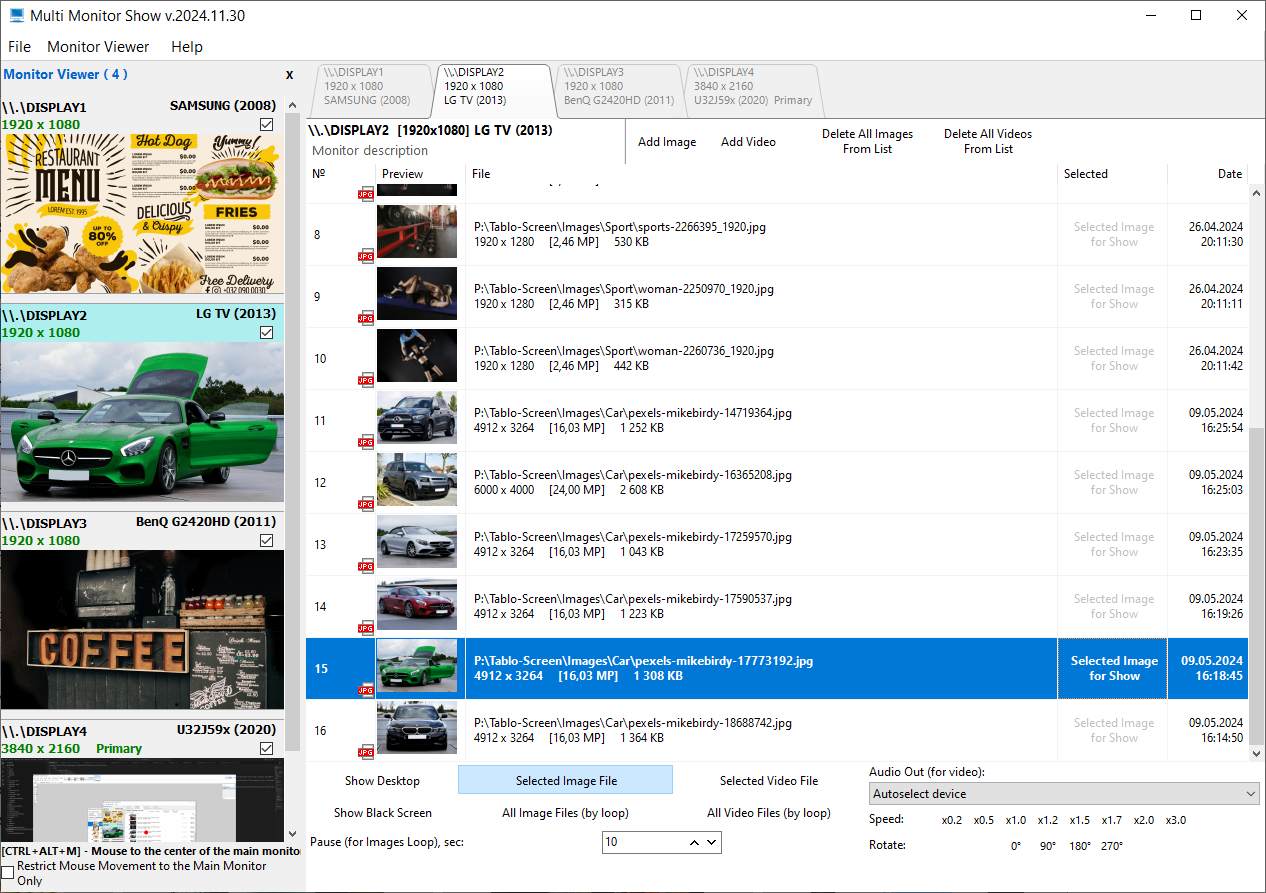
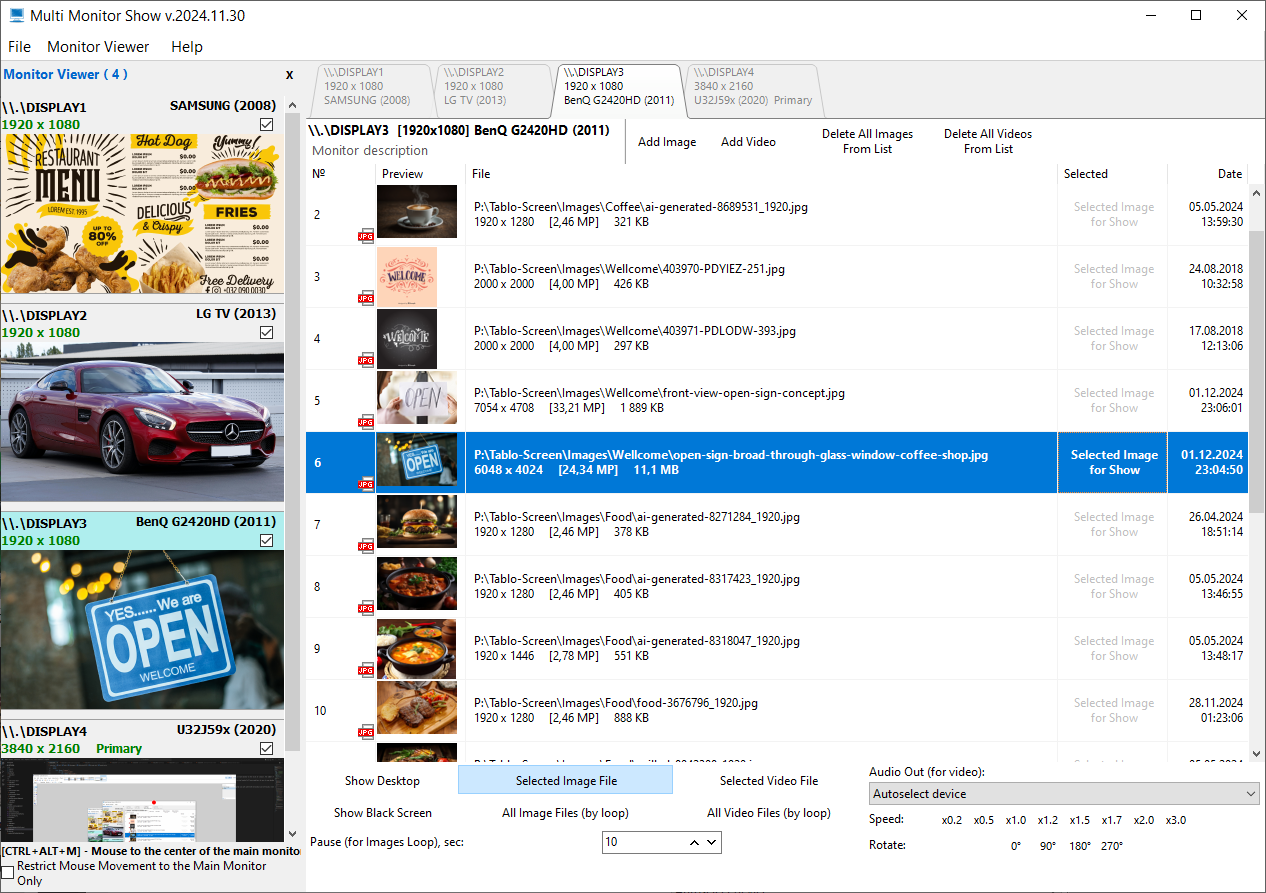
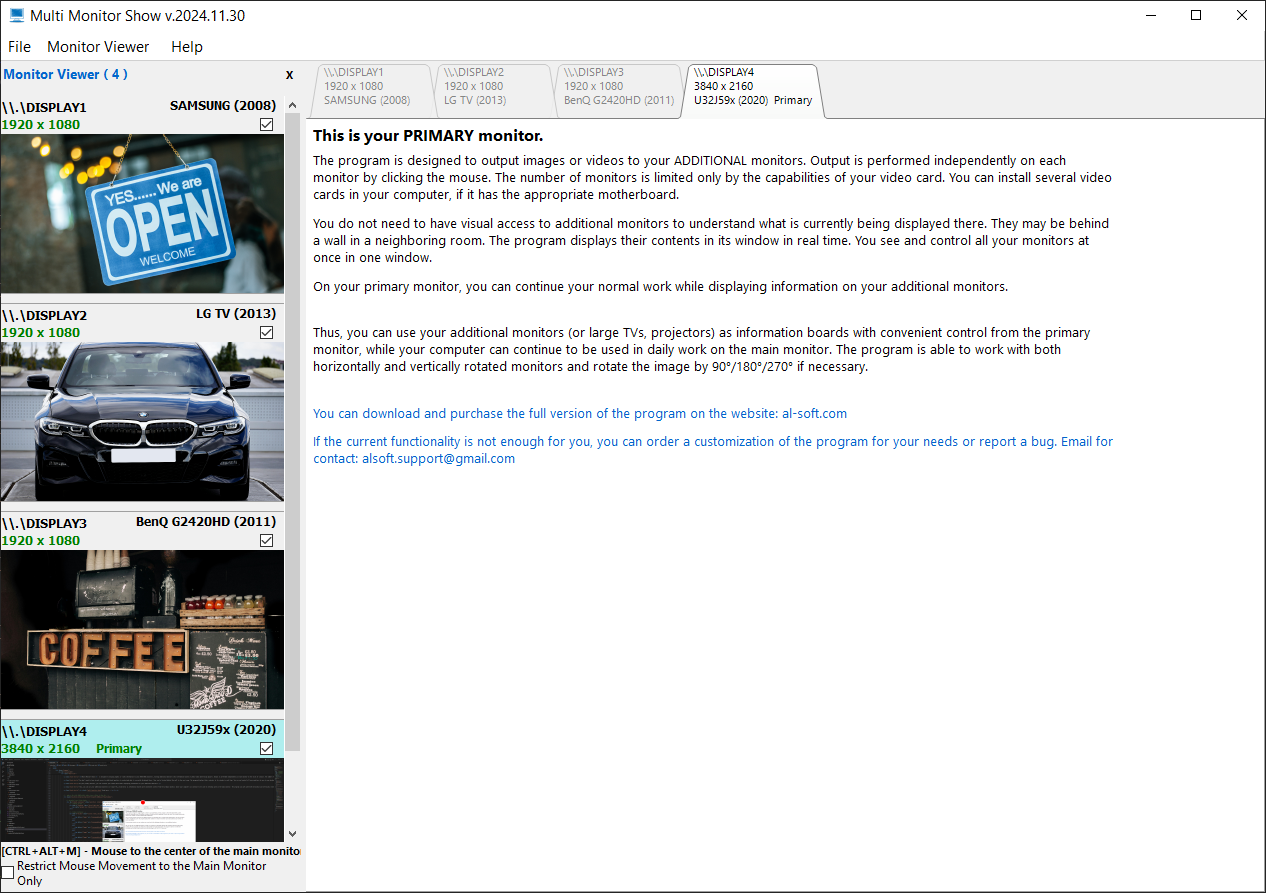
Multi Monitor Show is designed to display graphic or video information to your ADDITIONAL monitors, turning additional monitors into information boards or photo-video advertising players. Output is performed independently on each monitor at the click of a mouse. The number of monitors is limited only by the capabilities of your graphics card. You can install several video cards in your computer if you have the appropriate motherboard.

You don't need to have visual access to additional monitors to understand what is currently displayed there. They can be located behind the wall in the next room. The program displays their contents in its window in real time. You see and control all your monitors at once in one window.

On your primary monitor, you can continue your normal work while displaying information on your additional monitors.

Thus, you can use your additional monitors (or large TVs, projectors) as information boards with convenient control from the primary monitor, while your computer can continue to be used in everyday work on the main monitor. The program can work with both horizontal and vertically rotated monitors and rotate the image by 90°/180°/270° if necessary.

Read more...


Read more...


Satellite Antenna Alignment

The program Satellite Antenna Alignment is used to calculate the angles necessary for installing satellite dishes. The main difference from similar software is the possibility to calculate the position for all satellites at once. Thus, you get a clear picture about what satellites can be physically visible from the location where the dish will be installed. It should be kept in mind that the program makes a purely theoretical calculation according to formulas and in real circumstances a lot of additional factors should be taken into account when a satellite dish is installed. These factors include various obstacles (buildings, trees), the landscape, the altitude, transponder orientation, polarization, etc. Nevertheless, this program will allow you to evaluate the position quite precisely.

Download «Satellite Antenna Alignment» Buy now «Satellite Antenna Alignment»

Read more...